Building a Multi-Agent Office System With Claude Code
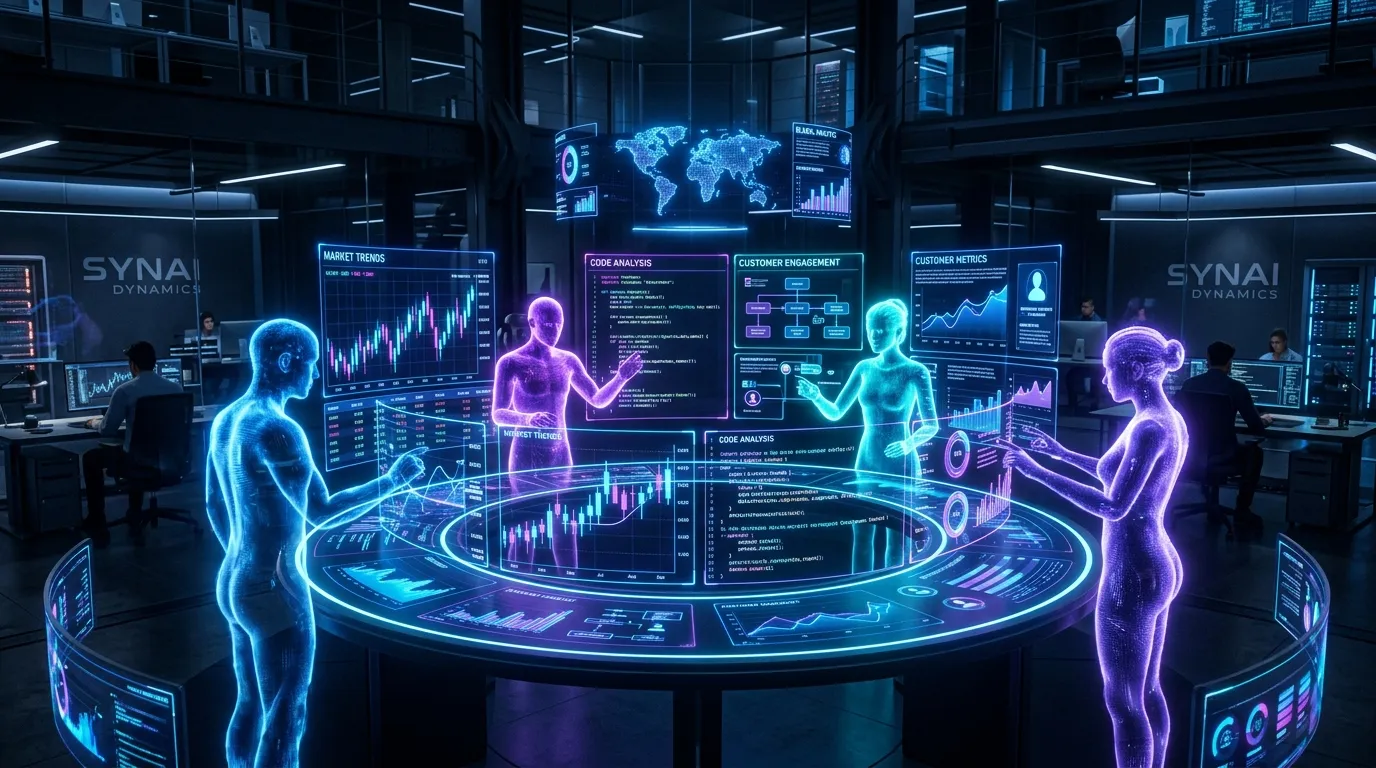
Imagine arriving at the office, handing over a stack of work, and watching a team of specialists get to it at once. One analyzes financial performance. Another reviews customer feedback. A third checks project delivery. A fourth looks at team capacity and operational risks. Minutes later, their findings are combined into a concise executive report: the numbers that matter, the problems that need attention, and the actions worth taking.
That is the promise of a multi-agent office system with Claude Code. Rather than relying on one AI assistant to work through everything in sequence, you can delegate focused parts of a larger workflow to multiple agents operating in parallel, then bring their work together in a single, decision-ready output.
Why One Agent Struggles
A single AI agent can be highly capable, but complex office work creates pressure on its context, attention, and ability to track every requirement over a long sequence of steps.
When one agent handles a broad, multi-part assignment from start to finish, several problems can emerge:
- Incomplete execution: The agent may finish the easier portions of a large task and mistakenly treat the work as complete, leaving important items unaddressed.
- Self-confirming conclusions: When an agent is asked to assess its own work, it may be less effective at identifying weaknesses, omissions, or incorrect assumptions.
- Goal drift: Over a long interaction, the original objective can become diluted. Edge cases, formatting rules, exclusions, and “do not do this” constraints are especially easy to lose.
- Context overload: Combining financial data, customer feedback, project plans, HR information, and operational notes in one conversation can make it harder to maintain clear priorities.
A multi-agent design reduces these risks by giving each specialist a narrow mission, an isolated working context, and a well-defined output. The lead agent then coordinates the work and produces the final synthesis.
Three Ways to Orchestrate Agents
Claude Code supports several approaches to coordinating multiple agents. The right choice depends on how much collaboration, autonomy, and infrastructure your workflow requires.
| Mode | What it is | Communication | Relative cost | Best suited for |
|---|---|---|---|---|
| Subagents | Helper agents launched within a primary Claude Code session | They report findings back to the lead agent | Lower | Focused work where the result matters more than peer-to-peer discussion |
| Agent teams | Parallel Claude Code instances working from a shared task list | Teammates can communicate directly | Higher | Complex work that benefits from active discussion and collaboration |
| External orchestrators | Systems that coordinate Claude Code across repositories, machines, or teams | Managed by the external platform | Varies | Enterprise-scale operations, multi-repository workflows, and distributed teams |
For most office automation use cases, subagents are the practical starting point. They provide the biggest advantage, parallel, specialized work, without the overhead of running a full team of independently communicating agents.
The Fan-Out-and-Synthesize Pattern
The most useful pattern for office workflows is fan-out and synthesize. It works in three stages:
- Break a broad objective into smaller, independent tasks.
- Assign each task to a dedicated agent running in parallel.
- Wait for the results, then have a lead agent combine them into one coherent deliverable.
The synthesis stage acts as a checkpoint. It ensures that the final report is based on all completed inputs rather than on whichever result happened to arrive first. This model is especially effective when the work naturally divides by domain: finance, customer experience, operations, product delivery, compliance, marketing performance, or workforce planning.
Example: A weekly executive report
Consider a weekly “State of the Business” report. A leadership team wants an update on financial performance, customers, projects, and employee capacity. A multi-agent workflow could look like this:
| Agent | Responsibility | Typical output |
|---|---|---|
| Lead agent | Plans the work, assigns responsibilities, reviews results, and creates the final report | Executive summary, risks, recommendations, and priorities |
| Financial agent | Reviews spreadsheets, budget data, revenue, expenses, forecasts, and anomalies | Key metrics, trends, variances, and financial risks |
| Customer agent | Analyzes support tickets, satisfaction scores, reviews, Slack discussions, and email themes | Top pain points, recurring requests, sentiment trends, and urgent issues |
| Project agent | Reviews project-management data, milestones, blockers, and delivery status | On-track work, delayed milestones, resource gaps, and decisions needed |
| Team agent | Assesses capacity, time tracking, workload distribution, hiring needs, and operational strain | Team-health signals, staffing risks, and capacity recommendations |
Instead of one agent moving through four domains sequentially, all four specialists work at the same time. The lead agent receives structured findings and turns them into a clear narrative:
Revenue is ahead of plan, but customer complaints about onboarding have increased for the third consecutive week. Two product milestones are at risk because of limited engineering capacity. Leadership should prioritize onboarding fixes, approve temporary project support, and review churn indicators next week.
That is more useful than a raw data dump, and much faster than a sequential process.
Keeping Agents on Track
Multi-agent systems are powerful only when they are well managed. The goal is not to create more AI activity; it is to create reliable, auditable work.
1. Define tasks precisely
Each subagent should receive a focused assignment with clear boundaries. A good task brief includes:
- The exact question to answer or outcome to produce.
- The data sources, files, folders, or tools it should use.
- The expected output format.
- Constraints, definitions, and conventions.
- What the agent should explicitly avoid doing.
- A completion standard that makes “done” measurable.
For example, this is vague: Review customer feedback and tell me what matters.
This is much stronger: Review Zendesk tickets created in the past seven days, group them into the five most common themes, quantify the number of tickets in each theme, identify any urgent escalation signals, and return the result as a table with recommended actions. Do not infer customer sentiment where the ticket text does not support it.
2. Use permission modes deliberately
Permission settings determine how independently a subagent can act.
| Permission mode | Behavior |
|---|---|
default | Prompts for permission before actions that require approval |
acceptEdits | Automatically accepts file edits and common filesystem commands |
auto | Uses automated classification to review commands |
dontAsk | Automatically denies permission prompts |
plan | Allows read-only exploration and planning |
Use read-only or tightly controlled modes when an agent is analyzing data. Use edit-enabled modes only when the job genuinely requires changes to files or code.
3. Give the lead agent a real job
The orchestrator should do more than launch agents. Its responsibility is to manage the workflow as a whole by translating requests into plans, tracking dependencies, requesting clarifications on conflicting results, and surfacing uncertainty instead of hiding it.
4. Add adversarial verification
For important outputs, do not ask the original agent to be the sole judge of its own work. Use a separate verifier agent with an adversarial role. Its task is to look for missing evidence, unsupported claims, flawed calculations, overlooked requirements, and incorrect conclusions.
5. Use quality gates
Quality gates prevent agents from marking work complete before basic requirements have been met. In Claude Code workflows, hooks like TeammateIdle or TaskCompleted can enforce those checks at key moments to ensure required fields and evidence are present.
Make Your Work Environment Agent-Legible
AI agents work best when the information environment is organized for both humans and machines. A strong agent-ready environment usually includes three layers of documentation:
- Dynamic state tracking: Use shared files (like
shared_memory.jsonortodo_list.md) to show what is happening now, avoiding duplicated effort. - An architectural index: Maintain a central reference document (like
agents.md) that tells agents where to find relevant knowledge, data sources, and conventions. - A living blueprint: For larger initiatives, maintain an
operating_plan.mdthat evolves, capturing objectives, decisions, risks, and next actions.
Getting Started
You do not need to build a complex autonomous organization on day one. Start with one repeatable office workflow.
Start with a plain-language request
A simple first prompt could be:
/ultracode Create a multi-agent workflow to analyze customer feedback from Zendesk, Slack, and email. Group the feedback into recurring themes, identify urgent issues, quantify the evidence, and produce a weekly report with prioritized action items.Try an audit workflow
Multi-agent systems are also well suited to broad reviews where every item needs the same kind of inspection:
Use a workflow to audit all vendor contracts in the contracts/ folder for renewal dates within 90 days, auto-renewal clauses, termination notice periods, and missing approval records. Verify every flagged finding against the original contract before reporting it.Save repeatable workflows
For work you perform regularly, save a workflow in .claude/workflows/. Here is a simplified code-audit example:
export const meta = {
  name: 'audit-routes',
  description: 'Audit every route handler for missing authentication checks',
}

const found = await agent('List every .ts file under src/routes/.', {
  schema: {
    type: 'object',
    required: ['files'],
    properties: {
      files: {
        type: 'array',
        items: { type: 'string' }
      }
    }
  }
})

const audits = await pipeline(found.files, file =>
  agent(Audit ${file} for missing authentication checks., {
    label: file
  })
)

return audits.filter(Boolean)
Advanced Patterns & The Cost-Quality Trade-Off
Once you have mastered fan-out and synthesis, you can combine it with other orchestration patterns:
| Pattern | When to use it | Office example |
|---|---|---|
| Classify and act | Incoming work varies and needs routing | Sort inbound requests into billing, technical support, sales, legal, or HR queues |
| Generate and filter | You need a wide range of ideas, followed by selection | Generate campaign concepts, then have separate agents score them |
| Tournament | You want different approaches to compete | Ask several agents to propose a market-entry strategy, then have a judge agent compare them |
| Loop until done | The scope is uncertain or new tasks emerge | Reconcile financial records until all material discrepancies are explained |
| Plan, execute, verify | Accuracy matters more than speed | Build a report, validate each claim, then polish the final narrative |
The Cost, Quality Trade-Off
More agents do not automatically mean better results. Each additional agent adds compute cost, coordination time, and more output to review.
| Approach | Cost | Speed | Typical use |
|---|---|---|---|
| Single-agent analysis | Lowest | Fast for small jobs | A short summary, one-off draft, or limited review |
| Small specialist panel | Moderate | Fast (runs in parallel) | Weekly business reports, customer-feedback reviews, project updates |
| Large panel with verification | Higher | Moderate | Audits, planning, complex research, important operational decisions |
| Multi-round debate | Highest | Slower | Major investment decisions, legal or compliance analysis, strategic commitments |
Final Takeaway
A multi-agent system with Claude Code can turn office automation from a slow, sequential process into a coordinated operation.
- Use fan-out and synthesis for work that naturally splits into independent parts.
- Give every agent a narrow, explicit assignment with a defined output.
- Use a lead agent to coordinate, reconcile conflicts, and turn findings into decisions.
- Apply permission controls and human review where actions or sensitive data are involved.
- Add adversarial verification for high-stakes outputs.
The goal is not to replace the office with a swarm of AI agents. It is to give people a better operating system for routine analysis, reporting, coordination, and decision support, so teams spend less time assembling information and more time acting on it.